
EcoTune Desktop Capture BACnet MS/TP explorer and analyzer
Decode a BACnet MS/TP trunk and explore its devices from one file. See CRC errors, the token ring and routing. Open any device, read every point, write a value, log trends, and export a clean points list. Modbus RTU is included too.
The demo is free and runs with no license. A license unlocks connecting to a real RS-485 adapter.
What you get
An analyzer and an explorer, together.
Most tools do one or the other. Desktop Capture lets you watch the wire and talk to the devices on it from the same screen.
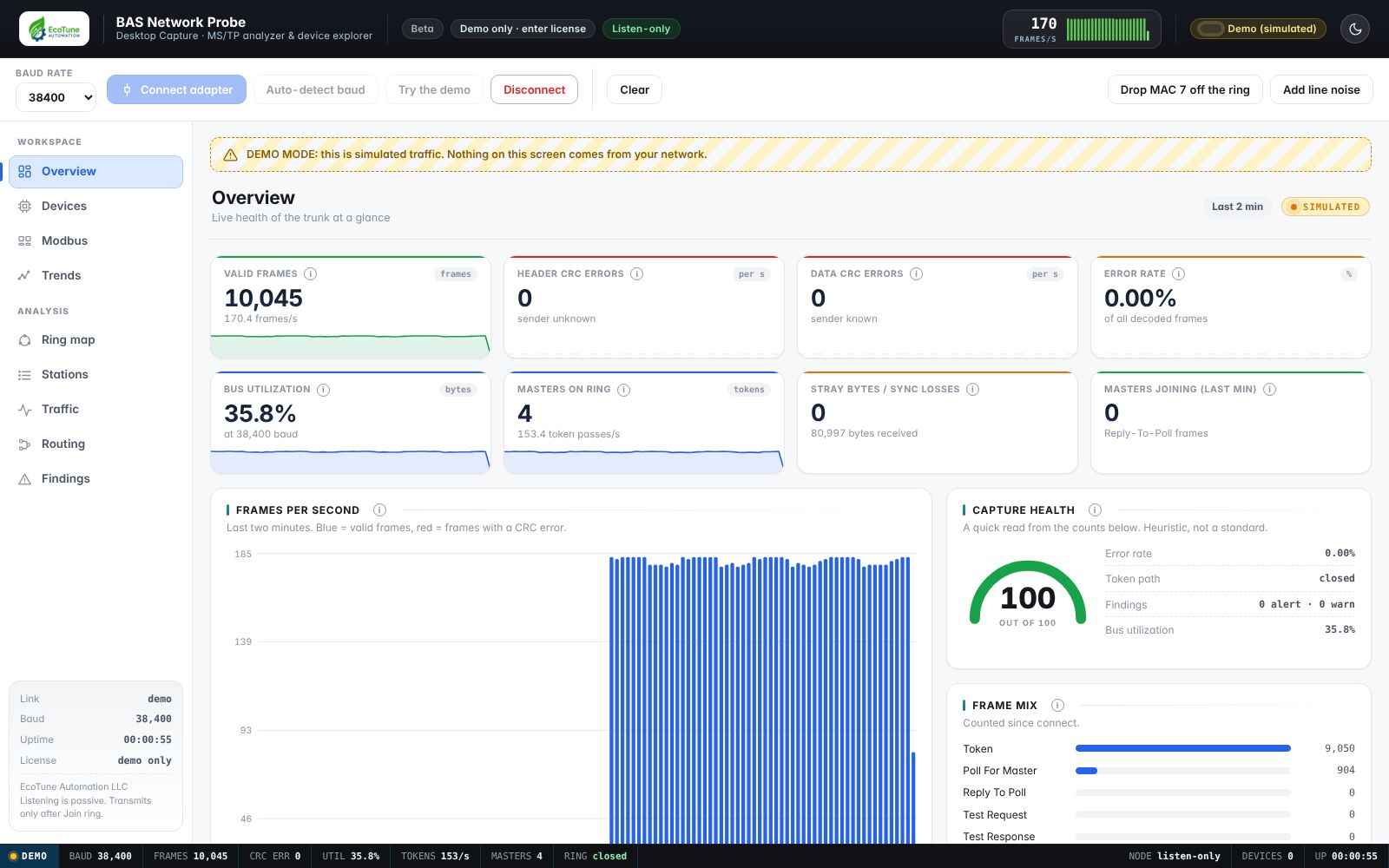
Live MS/TP decoding
Valid frames, header and data CRC errors, bus utilization, token passes and stray bytes, with a hover explanation on every chart and number.
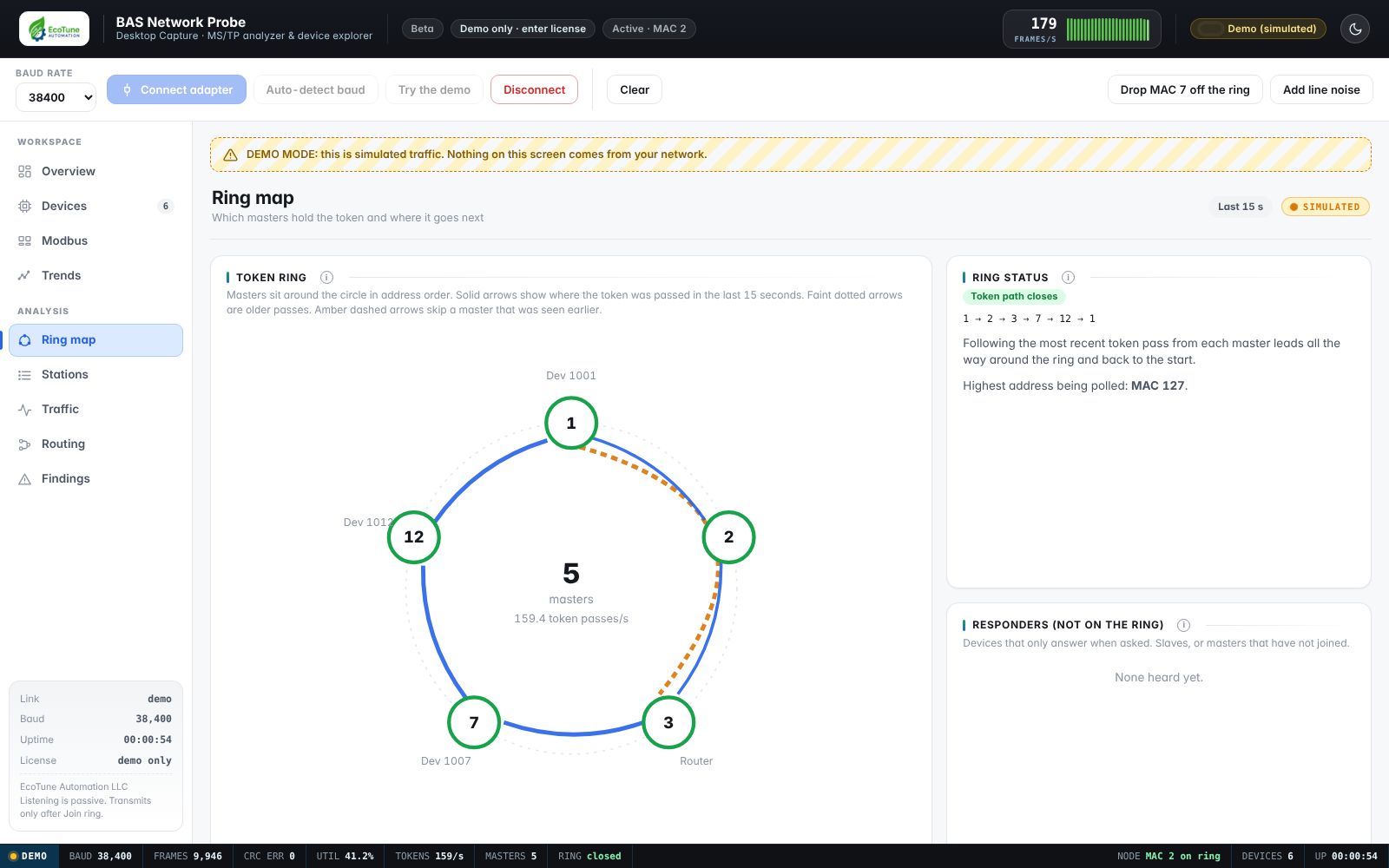
Token ring map
See which masters hold the token, where it goes next, and whether the loop closes. Spot a master that dropped off.
Routing view
Routers, network numbers and the devices behind them, learned from announcements and traffic.
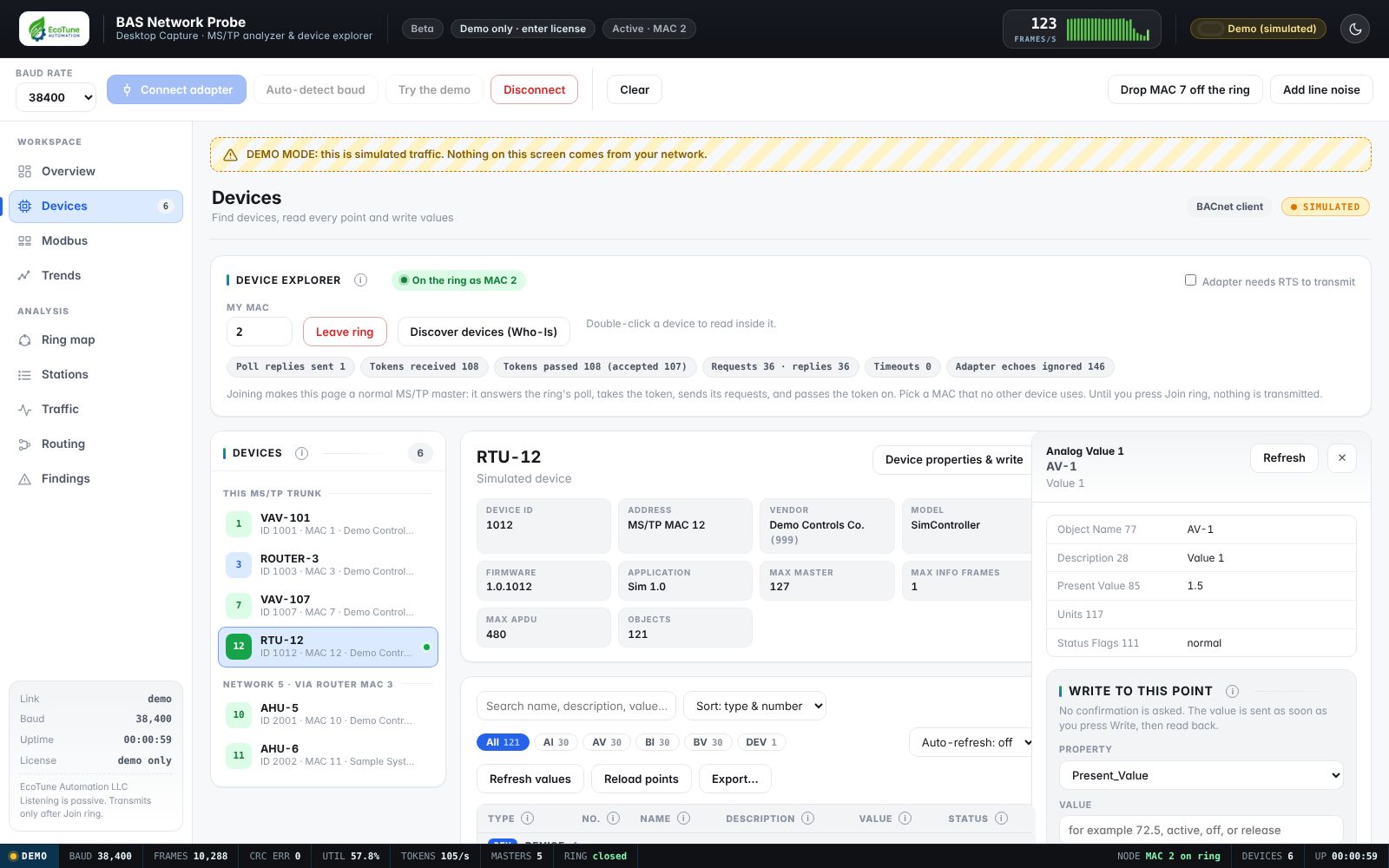
Device explorer
Who-Is discovery, then open any device to list every object with name, description, value, units and status.
Writes, with priority
Write a present value at a priority, release it, or change a device's name and instance. Writes go out immediately, so work only on systems you are authorized to change.
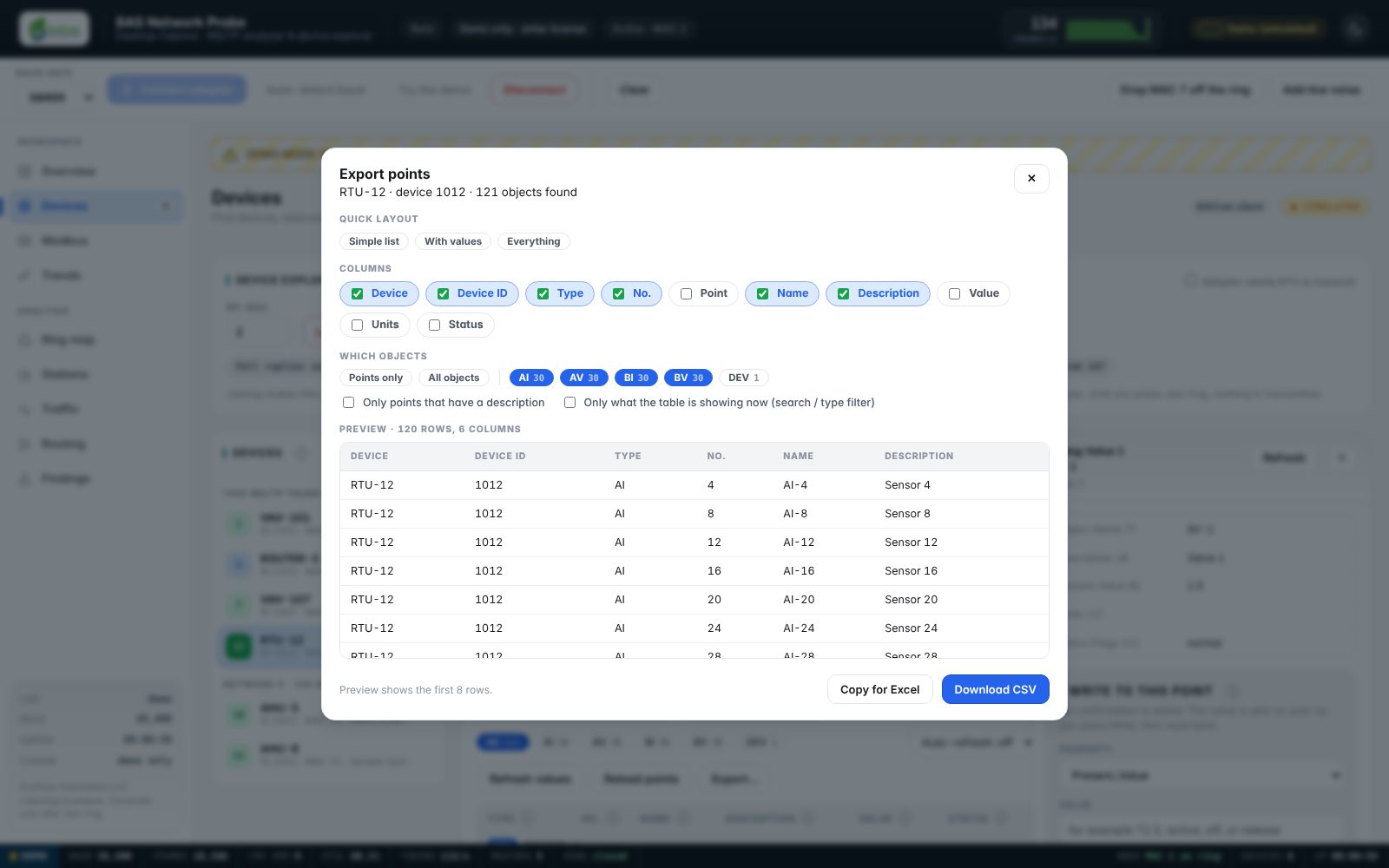
Clean points export
Choose the columns and object types, then download a CSV or copy it straight into Excel. Short types (AI, AV, BV) and no clutter.
Modbus RTU
Scan a unit range, then read and write holding and input registers, over the same serial adapter you use for MS/TP.
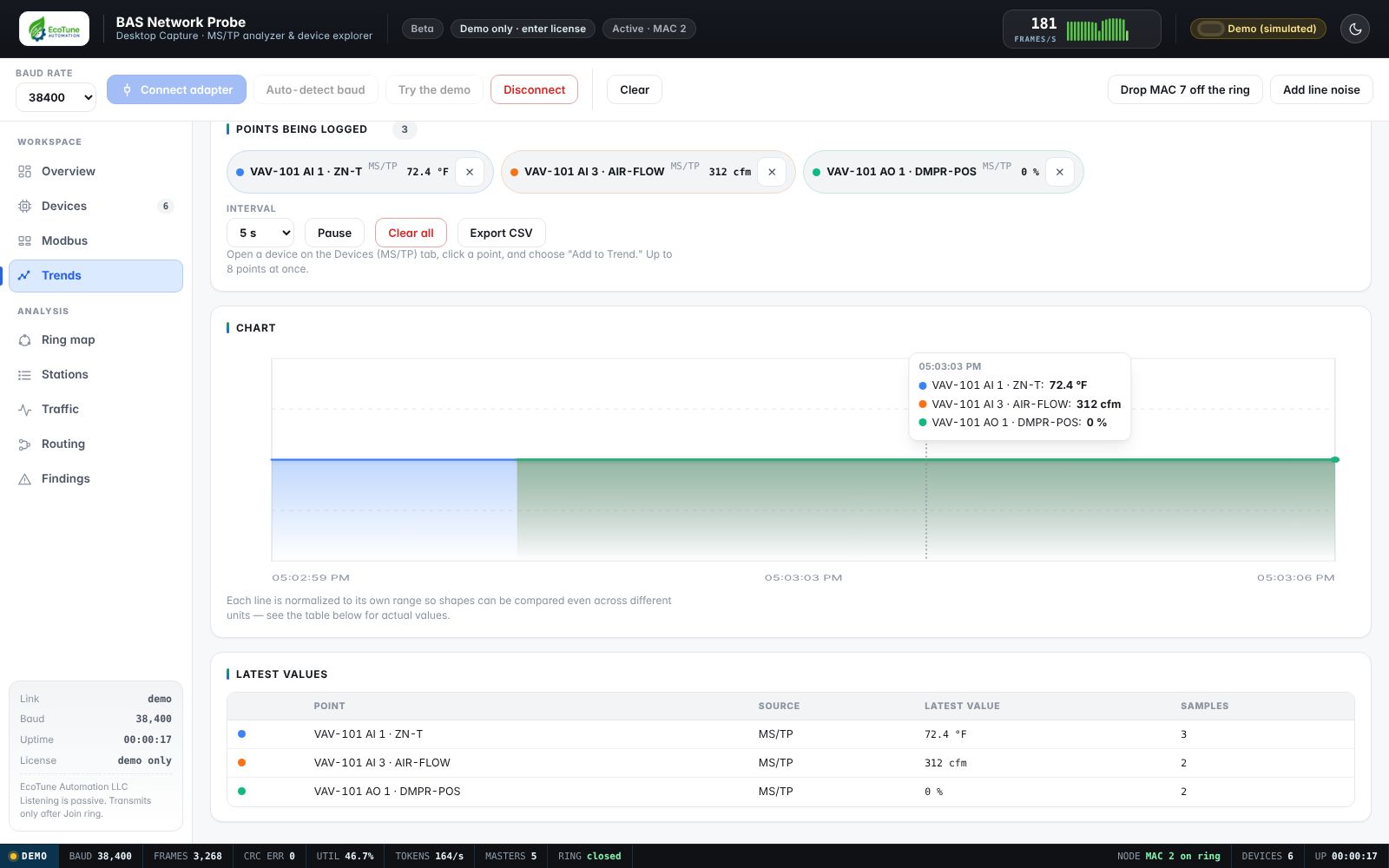
Trend logging
Add points from the device explorer to a shared trend chart and watch them together over time, each normalized so different units compare cleanly. Export the log to CSV.
Screens
What it looks like.
All screenshots use the built-in simulator, so no real building data is shown.
License
One license. $10. Here is why.
Every license funds EcoTune Pro.
EcoTune Automation is a small, independent company. Desktop Capture is priced at $10 so any technician can own it without a purchase order, and every dollar we take in from it goes into developing EcoTune Pro.
That is the whole arrangement: you get a working tool today, and your license pays for the next, better one. Early buyers are helping decide what gets built, and we want to hear what you need.
We are keeping the price low on purpose. If it saves you one trip back to a mechanical room, it has paid for itself many times over.
- License for one person, tied to the name you give us
- Connect to a real RS-485 adapter and use every feature
- Use it on your own computers
- The key is checked on your computer, with no internet needed
Your license key is sent to the email you buy with. The key carries your name and appears in the app header, so please do not share it. See the license terms.
Getting started
Four steps.
Before you buy
Requirements and honest limits.
You need
A computer with Chrome or Edge, the Web Serial feature (built in), and a USB-to-RS-485 adapter that shows up as a serial port, such as a Silicon Labs CP210x-based adapter — wire A/B to the trunk, and close BQT, YABE or any other program using that port first. Nothing else to install.
What is not in it (yet)
No BACnet/IP and no Modbus TCP (network) — both may come back later. No downloaded trend-log history from a device, no BBMD foreign-device registration, and no segmented BACnet messages. Devices that cannot fit a reply in one frame are read property by property.
What has been tested
Scanning, device discovery, reading points and writing a device's instance and name were confirmed on a real MS/TP trunk, with Backnet Quick Test showing the values we wrote. Modbus RTU and Trend Logging are newer and covered by simulated tests; we're still gathering real-network confirmation for them. The documentation lists exactly what is and is not verified.
FAQ
Common questions.
Does it send my data anywhere?
No, never to us or anyone else. The app makes no network connections of any kind — it only talks to your RS-485 adapter. Your license key is checked on your computer and saved in your browser. Nothing you capture, read or write leaves your machine.
Can I share it with a coworker?
The file is free to pass around, but it only connects to an adapter once a license is entered, and each license is for one person and shows that person's name in the app. A coworker needs their own $10 license.
Do I need internet to use it?
Only to buy and download it. After that it works fully offline, including the license check.
Will it disturb the network?
Listening alone does not transmit. Your computer only transmits after you press Join ring in the Devices tab (MS/TP) or connect in the Modbus tab, where it behaves like an ordinary node on that network using an address you choose. Pick one no other device uses.
What about updates?
Modbus RTU and trend logging just shipped. BACnet/IP and Modbus TCP support are on hold for now; we may bring them back. New builds are posted on this page.
Does it work on a phone or tablet?
No. It needs desktop Chrome or Edge and a USB serial adapter. The BAS Probe hardware is the option for phones and tablets.